YOUR CRYPTO, CONNECTED
Your crypto. Your move.
One wallet. More possibilities. Keep your assets close, trade with a native DEX and connect directly to Synapse — on your phone or Windows PC.
ONE HOME FOR YOUR CRYPTO


BUILT TO MOVE WITH YOU
Less switching. More doing.
From your first transfer to your next trade, the tools you need are already in your wallet. Explore the actual app screens.
App preview · Illustrative balances
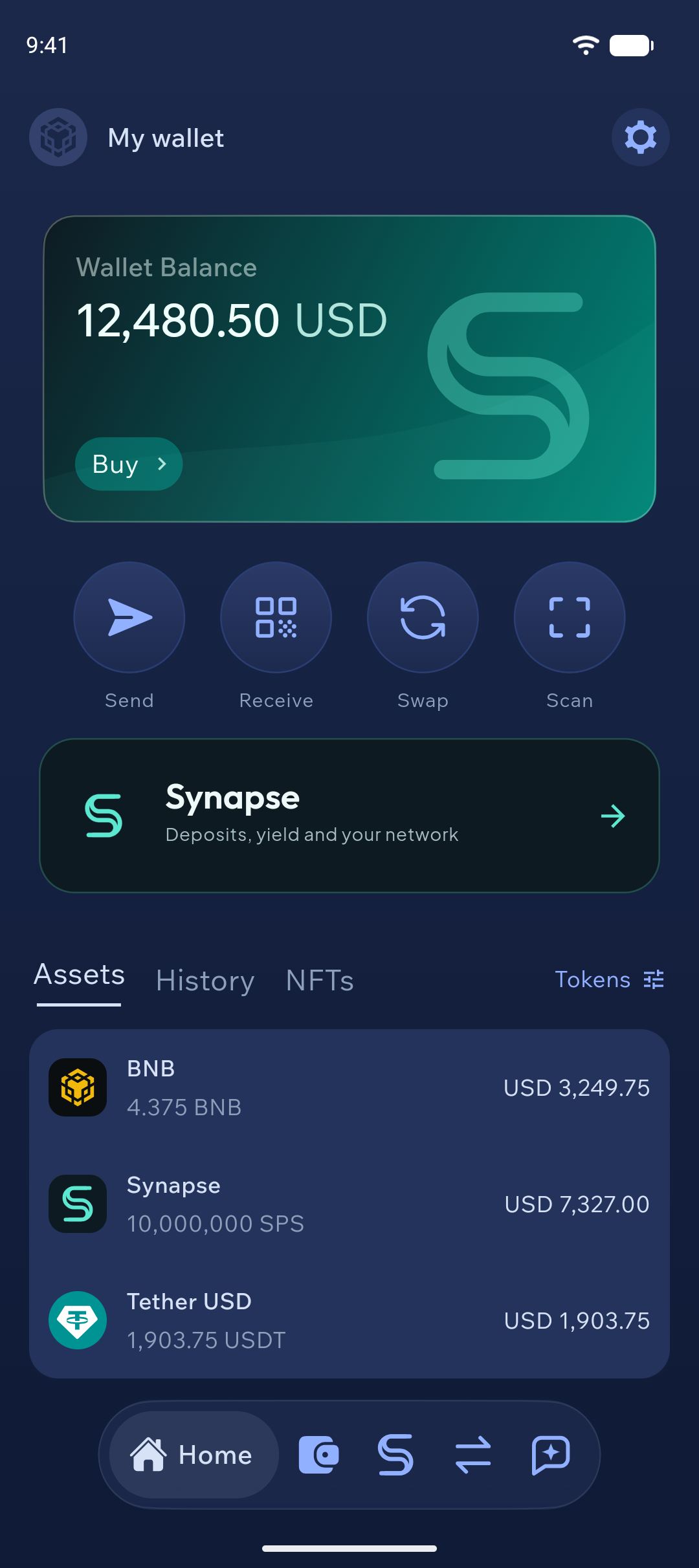
Your assets. A clear view.
Balances, tokens and quick actions in one place. Send, receive and move between your wallets with a familiar native interface.
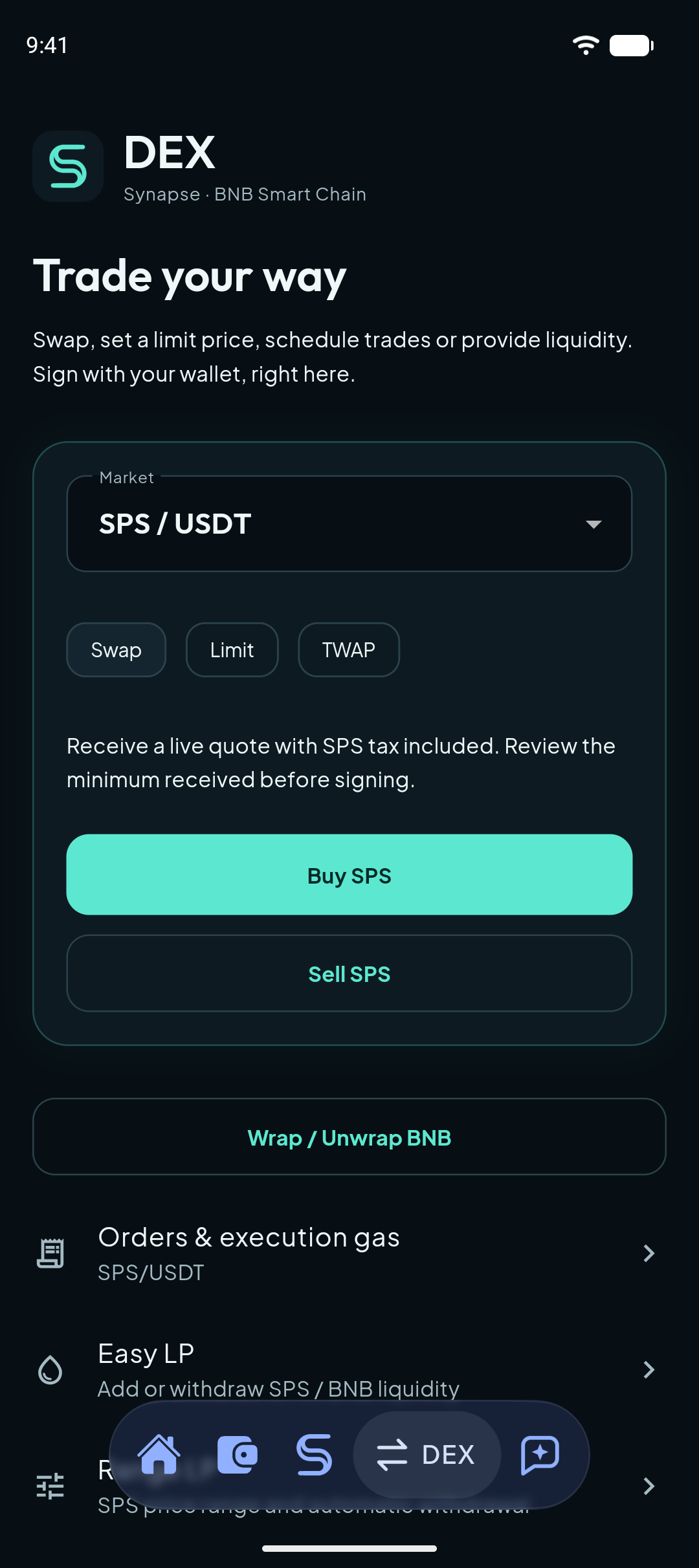
Native DEX
Swap, Limit, TWAP and Easy LP on BNB Smart Chain.
A direct, fluid experience
Wallet, trading and Synapse screens built directly into the app.
You confirm every move
Review transaction details and sign with your selected wallet.
MORE THAN A WALLET
Synapse.
Already inside.
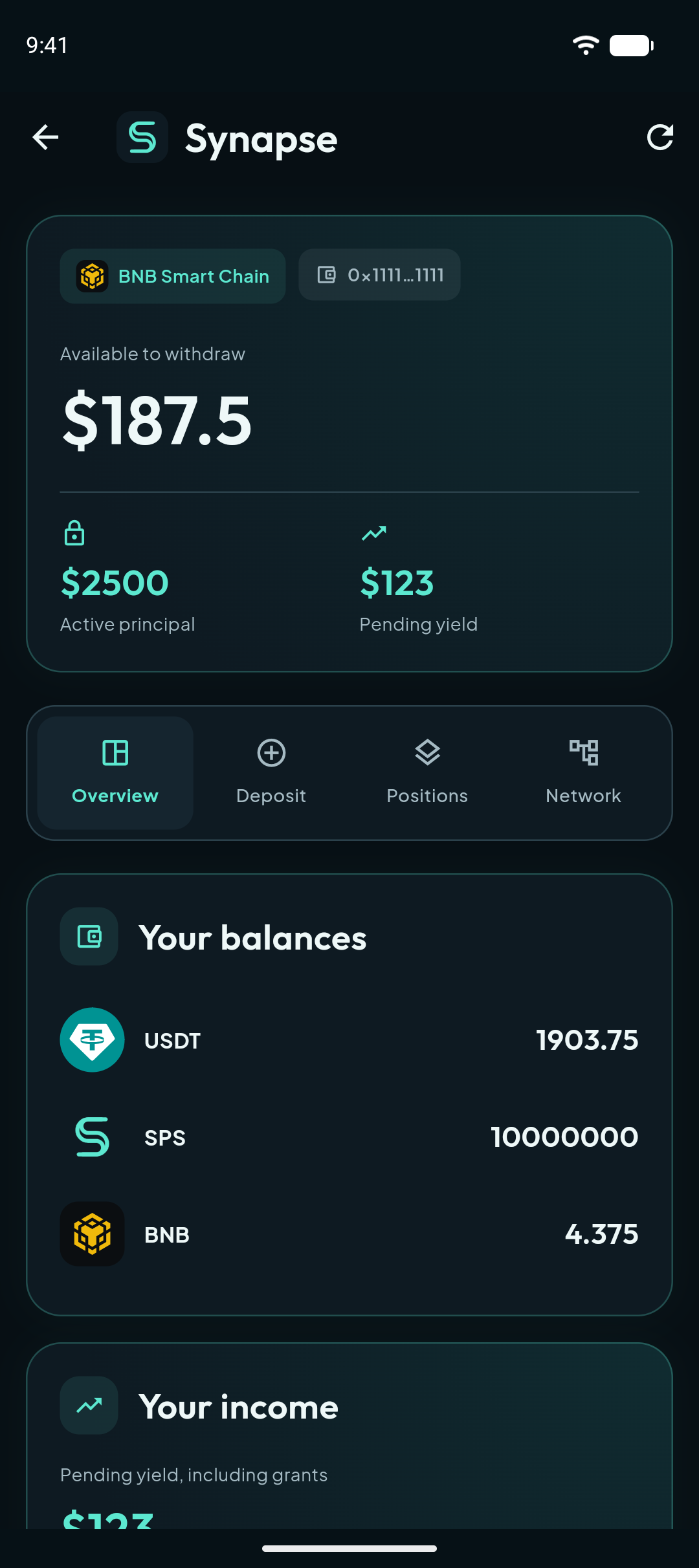
Your wallet is your connection to the Synapse contract. Open your dashboard and manage your activity through a native interface.
Deposits & positions
Your plans, balances and position details, together.
Yield & rewards
View available yield and confirm claims from your wallet.
Your network
Referral links, network statistics and participant details.
TAKE SYNAPSE WITH YOU
Your next move starts here.
Download Synapse Wallet for Android or Windows. Create a wallet or restore an existing one, then make it yours.
-
01
Choose your version
Download the Android APK or the Windows installer.
-
02
Install Synapse Wallet
Open the downloaded file and follow the installation instructions.
-
03
Make yourself at home
Create or restore a wallet and keep your recovery phrase somewhere safe.
A few things to know
Which assets can I use?
The wallet supports BNB Smart Chain, Bitcoin, Ethereum, Solana, Monero, Zcash, Tron, Dogecoin, Bitcoin Cash, Litecoin and Robinhood Chain. Native DEX and Synapse features use BNB Smart Chain.
Is the DEX built into the wallet?
Yes. Swap, Limit, TWAP and Easy LP use native app screens. Synapse and SPS swaps also work directly with the selected EVM wallet, without a separate WalletConnect session.
How do I install it on Android?
Download the APK on your Android phone and open it. If prompted, allow your browser to install apps, then follow the Android installer.
How do I install it on Windows?
Download the EXE on a Windows 11 (x64) PC, open it and follow the installer. Then create or restore a wallet.